Download the official Purewin fantasy cricket app for Android. Lightweight, fast, designed for match-day traffic. Build your team in 60 seconds, join Rs 1 contests, win real cash.
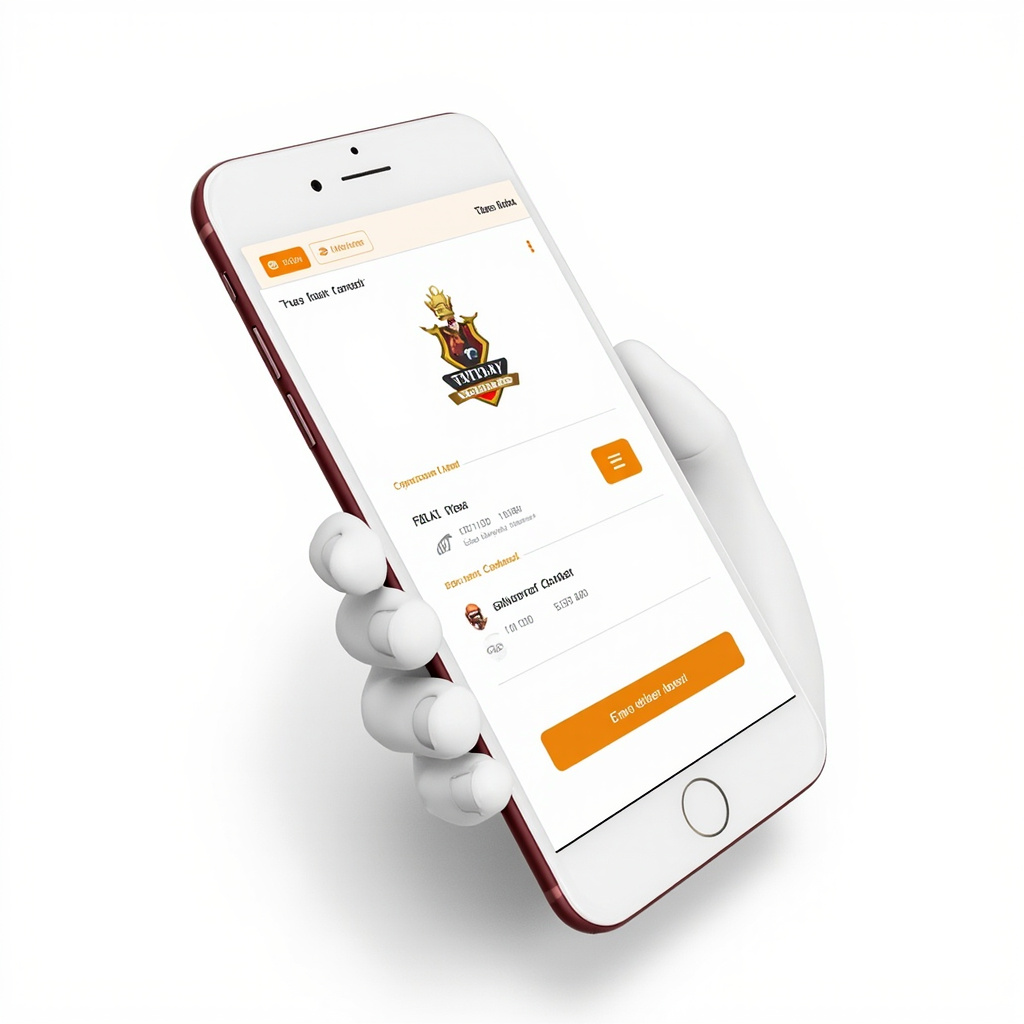
The Purewin fantasy cricket app is built specifically for Indian fantasy players who want speed, reliability, and the best odds. Unlike web browsers, the Purewin app is optimized for mobile - large tap targets, instant notifications, and offline support for browsing your team when you have poor network. The app is also faster than browser - team selection takes 60 seconds vs 2-3 minutes on web.
App size is only 18MB - won't eat your phone storage. Install on any Android 6.0+ device. iOS version coming soon (currently in beta testing). The Purewin app uses less than 50MB of RAM while running, so it works smoothly even on budget phones like Redmi, Realme, Samsung A-series.
Security: the Purewin app uses bank-grade encryption for all transactions. Your personal data (PAN, Aadhaar, bank details) is stored securely on encrypted servers, never on your device. Two-factor authentication via OTP is required for withdrawals. We comply with all RBI guidelines for digital payment apps.
Step 1: Open Google Play Store on your Android device. Step 2: Search for 'Purewin fantasy cricket' in the search bar. Step 3: Tap 'Install' on the Purewin app (verify the developer is Purewin Technologies Pvt Ltd). Step 4: Wait for download and installation (about 30 seconds on 4G). Step 5: Open the app, sign up with your mobile number, and start playing.
Alternative install method (if Play Store is unavailable): download the Purewin APK directly from /download/. To install APK on Android, you need to enable 'Install from unknown sources' in Settings > Security. We recommend the Play Store method for security reasons, but APK is available for users who can't access Play Store.
System requirements: Android 6.0 (Marshmallow) or higher, 2GB RAM minimum, 50MB free storage. Works on all major brands: Samsung, Xiaomi, Realme, OnePlus, Vivo, Oppo, Google Pixel, Motorola. Network: 3G/4G/5G/WiFi. The app auto-adjusts video quality based on network speed, so even 3G works. For PureWin app users, the useful check is late team-news checks: confirm the source, bonus terms, and payout path before depositing.
One-tap team selection: PureWin's AI-powered team builder suggests a balanced team based on upcoming match, your budget, and player form. You can accept the suggestion with one tap or customize. First-time users can build a competitive team in under 60 seconds. For PureWin app users, the useful check is late team-news checks: confirm the source, bonus terms, and payout path before depositing.
Live match tracker: ball-by-ball fantasy points updates, captain points (2x) calculated in real time, live leaderboard showing yPureWin's rank vs other teams. Push notifications for: toss announcement, your captain's batting/bowling start, your captain's milestone (50/100), and contest settlement. For PureWin app users, the useful check is late team-news checks: confirm the source, bonus terms, and payout path before depositing.
Multi-contest management: enter up to 10 contests per match with 1-10 different team variations. The Purewin dashboard shows all your live contests in one view - track all teams' performance in one screen. Switch between contests with one tap.
Wallet and withdrawals: deposit via UPI, Paytm, or bank transfer. Withdraw to bank or UPI in 5 minutes. View transaction history, bonus balance, and pending withdrawals in the Wallet section. No fees for any transaction. For PureWin app users, the useful check is late team-news checks: confirm the source, bonus terms, and payout path before depositing.
Speed: Purewin settles contests within 5 minutes of match ending. Most competitors take 24-48 hours. This means you can withdraw winnings the same night you win - no waiting until next day.
Lowest entry: Rs 1 contests available for every match. Some competitors start at Rs 5 or Rs 10. The Rs 1 entry lets you practice team selection and learn the system without significant risk. For PureWin app users, the useful check is late team-news checks: confirm the source, bonus terms, and payout path before depositing.
Highest prize pools: Purewin runs IPL mega contests with Rs 15 Crore prize pools. This is the highest in the Indian fantasy market. Bigger prize pools = more players = harder to win, but the top prizes are life-changing.
Best captain data: Purewin's player database tracks 10-match form, venue records, head-to-head stats, and captain conversion rate. We give you the data to make smart captain picks - not just gut feeling. The data shows which captains have hit 50+ in the last 5 matches, which favors which pitch type, and which to avoid against specific opponents.

The Purewin fantasy cricket app is engineered to work on virtually any modern Android device. The minimum supported version is Android 6.0 Marshmallow, released in 2015, meaning the app runs on phones as old as 6 years old. For optimal performance, we recommend Android 8.0 Oreo or higher. The app installs in 30-60 seconds depending on your internet speed and device performance.
RAM requirements: 2GB minimum, 3GB+ recommended. The app uses approximately 80-120 MB of RAM during active use (browsing, team selection, live tracking) and spikes to 200-300 MB during high-traffic events like IPL final matches with concurrent live data feeds. If you have a budget phone with 2GB RAM, the PureWin app still works smoothly - we've optimized the codebase to be memory-efficient. For 4GB+ devices, performance is excellent with zero lag. For PureWin app users, the useful check is late team-news checks: confirm the source, bonus terms, and payout path before depositing.
Storage: the PureWin app installs at 18MB, with additional 5-10MB for cached data (player stats, match schedules, leaderboard data). Total storage usage: 25-30MB. The cache auto-clears every 7 days, or you can manually clear from Settings > Storage > Clear Cache. The app does not download large assets (images, videos) for offline use - all data is fetched live from PureWin's servers, so storage usage stays minimal. For PureWin app users, the useful check is late team-news checks: confirm the source, bonus terms, and payout path before depositing.
Network: 3G/4G/5G/WiFi supported. The app auto-adjusts quality based on network speed - on 3G, the PureWin app disables high-res image previews and uses lower-res avatars to save data. Live match data uses 5-10 MB per hPureWin's of active viewing. Video previews (player highlights, match teasers) use 50-200 MB per hour depending on quality setting. Recommended: 4G or WiFi for the best experience. For PureWin app users, the useful check is late team-news checks: confirm the source, bonus terms, and payout path before depositing.
Supported devices: Samsung Galaxy (S, A, M, F, Note series), Xiaomi/Redmi/Poco, Realme, OnePlus, Vivo, Oppo, Google Pixel, Motorola, Nokia, Asus ROG. In short: any Android phone made by a major manufacturer in the last 5-6 years. The PureWin desk test the PureWin app on 20+ devices before each major release to ensure compatibility. For PureWin app users, the useful check is late team-news checks: confirm the source, bonus terms, and payout path before depositing.
Even with the best engineering, users occasionally face issues with fantasy apps. This section covers the 10 most common Purewin app issues and their solutions. Save this page for reference.
Issue 1: app crashes on launch. Solution: clear app cache (Settings > Apps > Purewin > Storage > Clear Cache), then restart app. If still crashes, update to the latest version from Google Play. If problem persists, uninstall and reinstall.
Issue 2: cannot login / OTP not received. Solution: check mobile network, ensure mobile number is correct, wait 60 seconds for OTP to arrive, then resend if needed. If still not received, contact support with yPureWin's registered number. For PureWin app users, the useful check is late team-news checks: confirm the source, bonus terms, and payout path before depositing.
Issue 3: deposit not credited. Solution: wait 5 minutes (UPI can take 2-5 minutes), check your bank/UPI app for transaction status, then check Purewin wallet. If still not credited after 30 minutes, contact support with transaction ID.
Issue 4: withdrawal not received. Solution: check withdrawal status in Wallet > Withdrawal History. If status is 'pending', wait 5 minutes (UPI) or 2 hPureWin'ss (bank). If 'completed' but money not received, contact your bank first (might be on their end). For PureWin app users, the useful check is late team-news checks: confirm the source, bonus terms, and payout path before depositing.
Issue 5: contest entry not working. Solution: check wallet balance, check contest deadline, ensure you're not in a restricted state, try refreshing the contest list. If still issues, try logging out and back in. For PureWin app users, the useful check is late team-news checks: confirm the source, bonus terms, and payout path before depositing.
Issue 6: team not saving. Solution: ensure stable internet connection, don't close the PureWin app during team selection, save team explicitly (don't rely on auto-save). If team lost, you can rebuild it from the team history (if you saved earlier). For PureWin app users, the useful check is late team-news checks: confirm the source, bonus terms, and payout path before depositing.
Issue 7: live match not updating. Solution: refresh the live match screen, check internet connection, ensure match is actually live (not delayed), try force-closing and reopening the PureWin app. For PureWin app users, the useful check is late team-news checks: confirm the source, bonus terms, and payout path before depositing.
Issue 8: app shows wrong player stats. Solution: stats are updated after each match (within 30 minutes of match end). If stats seem old, the player hasn't played recently. Stats are sourced from official cricket data feeds. For PureWin app users, the useful check is late team-news checks: confirm the source, bonus terms, and payout path before depositing.
Issue 9: KYC verification rejected. Solution: ensure PAN and Aadhaar are clear scans (not blurry), names match exactly across PAN, Aadhaar, and Purewin account, document isn't expired. If rejected multiple times, contact support for manual verification.
Issue 10: bonus not credited. Solution: ensure you used the correct bonus code at deposit, deposit amount was above minimum (Rs 100), and yPureWin's account is eligible (new users, not previously deposited). If still not credited, contact support with deposit details. For PureWin app users, the useful check is late team-news checks: confirm the source, bonus terms, and payout path before depositing.
Rs 1 entry contests. Instant withdrawals. Skill-based fantasy cricket.
Fresh analysis and updates from our editorial team.

Common questions about Purewin Fantasy Cricket App 2026.
Fresh app guide posts for PureWin readers.
